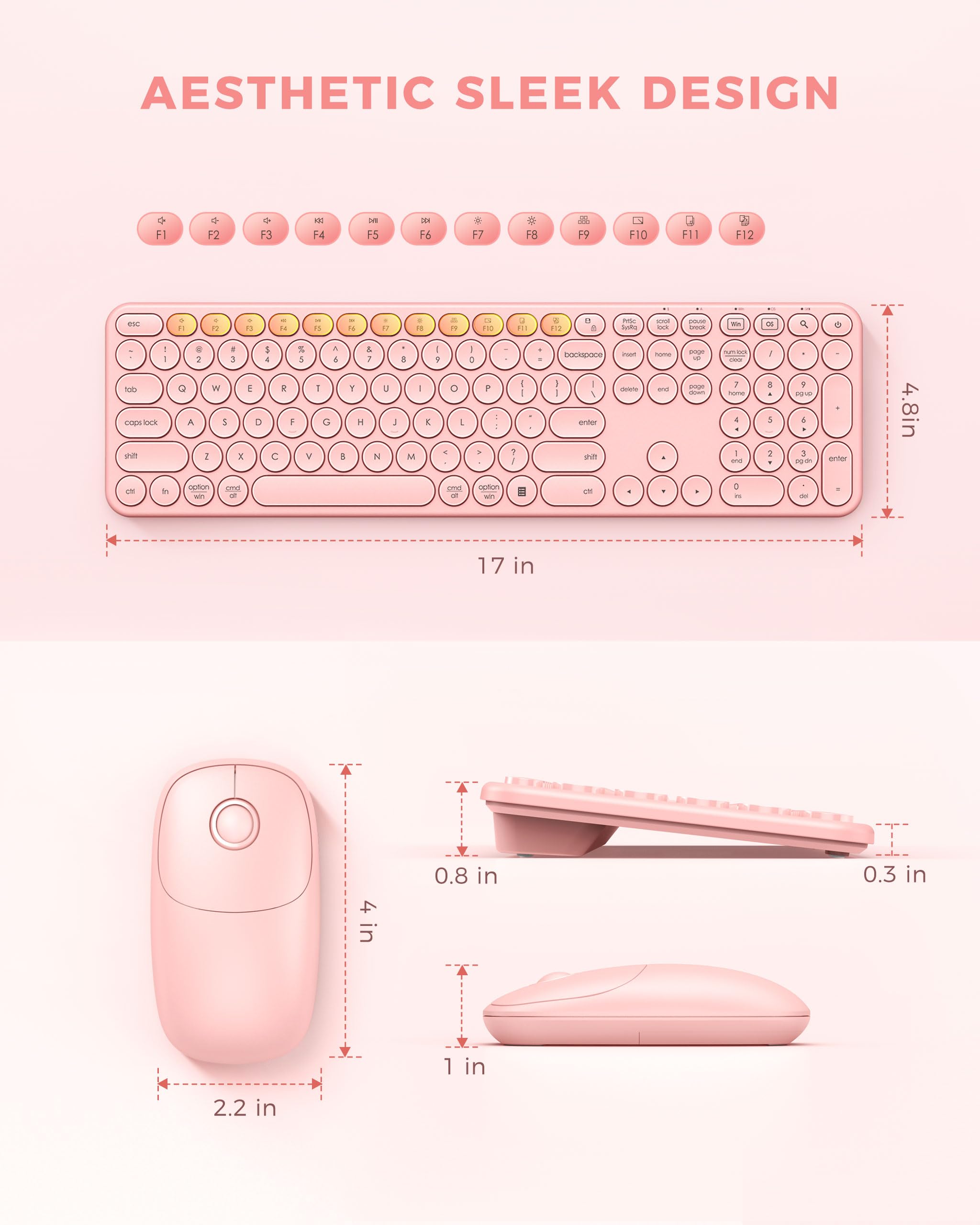
| Package Dimensions | 17.56 x 5.2 x 1.85 inches |
| Item Weight | 1.63 pounds |
| ASIN | B09BCBKGY7 |
| Customer Reviews | 4.3 out of 5 stars 2,163Reviews |
| Best Sellers Rank | #89 in Computer Keyboard & Mouse Combos |
| Date First Available | September 23, 2021 |
| Country of Origin | China |
| Keyboard Description | Ergonomic, Full Size |
| Movement Detection Technology | Laser |
| Recommended Uses For Product | Office |
| Operating System | Mac OS 10.14+, Windows XP/Vista/7/8/10+, Chrome OS |
| Hand Orientation | Ambidextrous |
| Batteries Required? | Yes |
| Number of Keys | 110 |
| Power Source | Battery Powered |
| Keyboard layout | QWERTY |
| Manufacturer | PEIOUS |


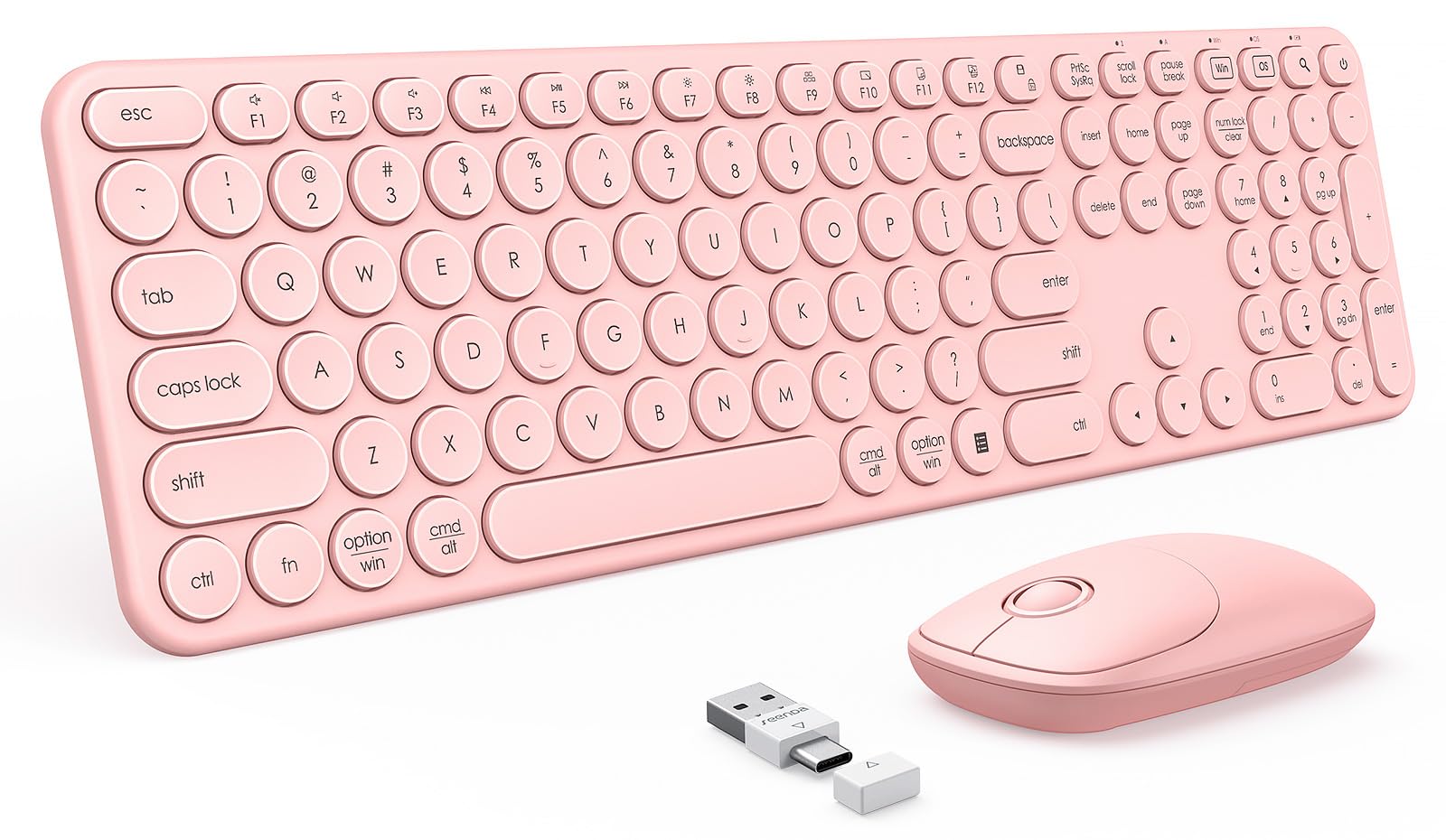
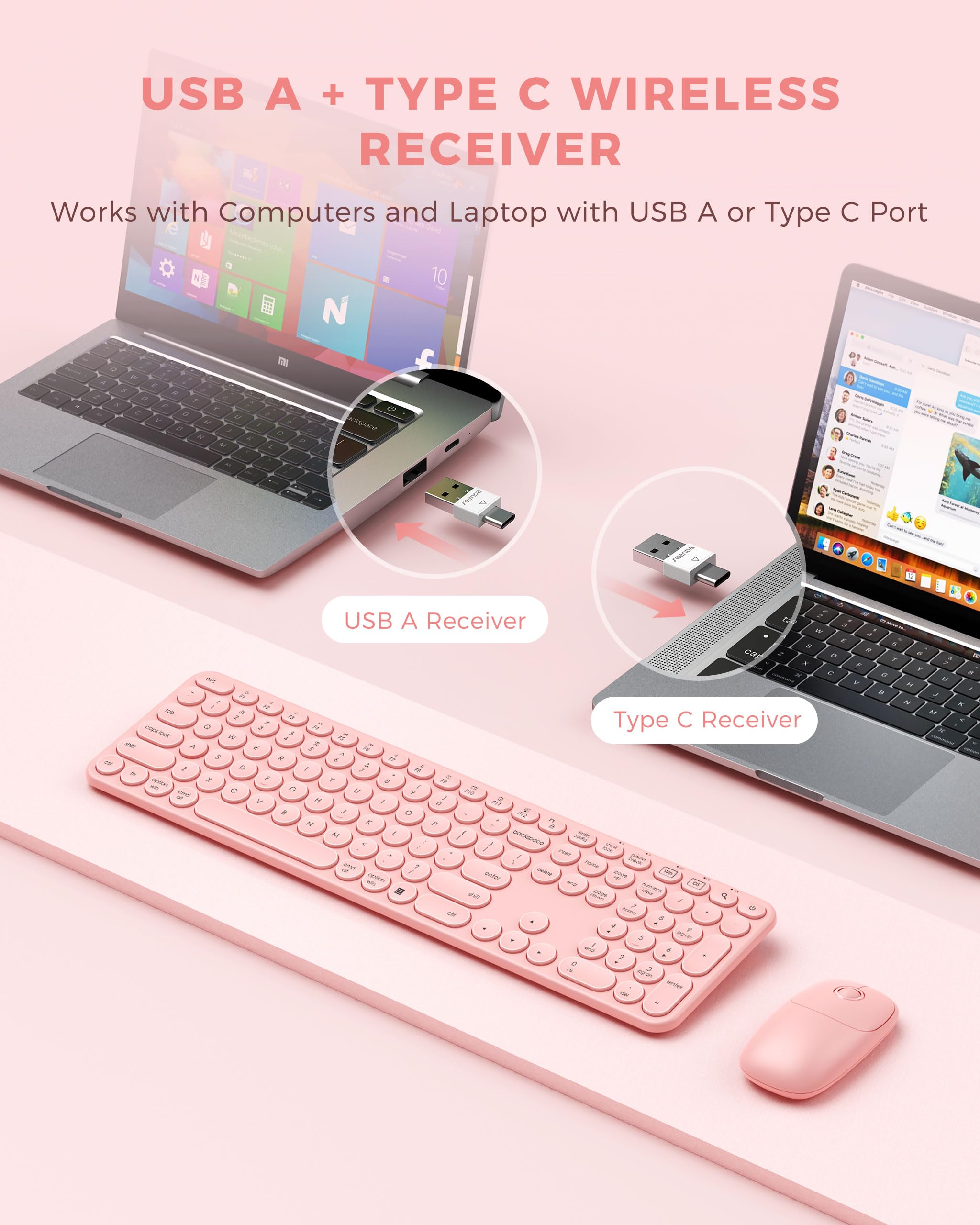
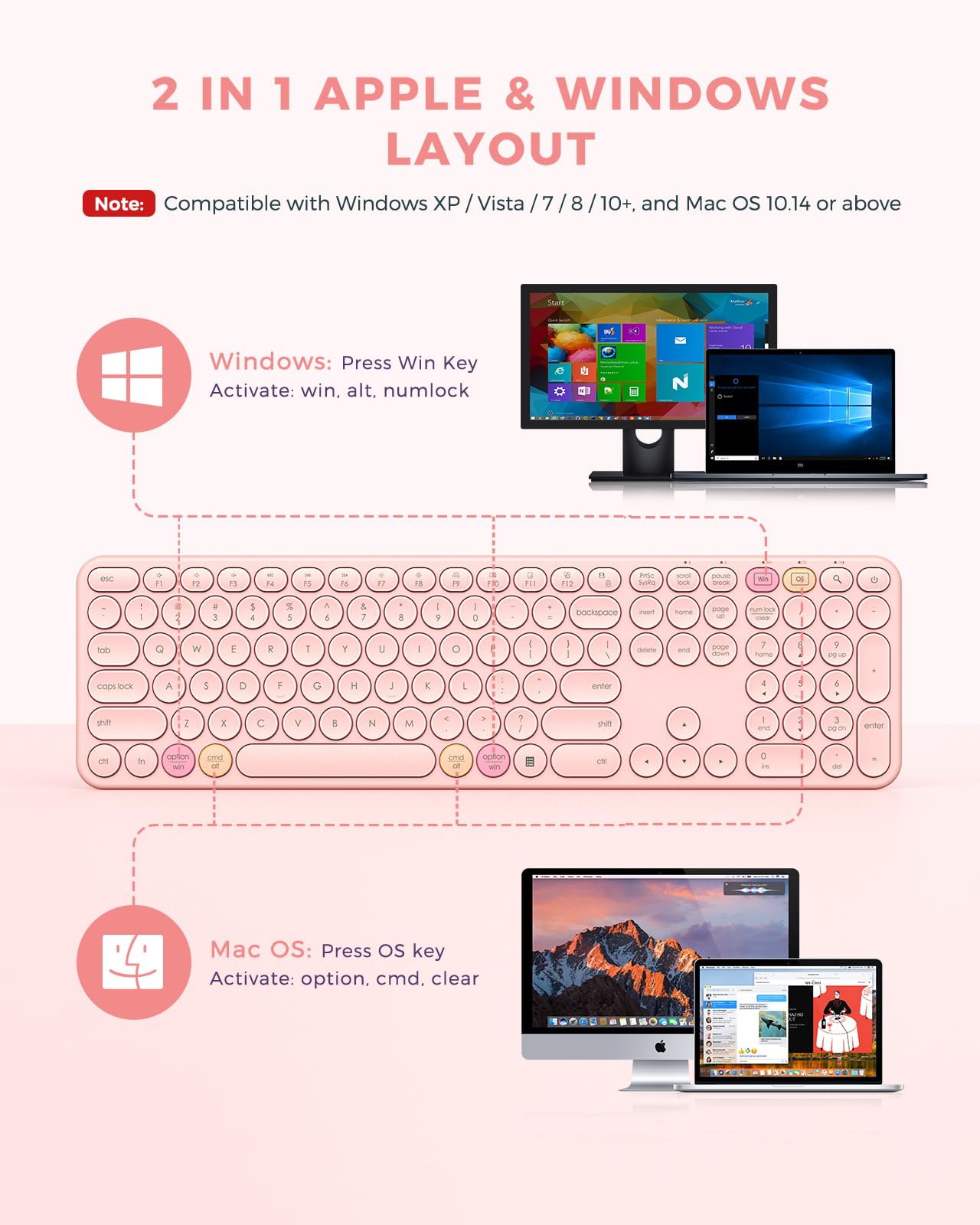
This product uses a specially designed USB receiver that includes USB A and Type C plugs, to plug and play directly into all Windows PCs, Chromebooks and Macs. What's more, it supports both Windows and Mac OS system layouts, making it easy to switch between them with just one touch.

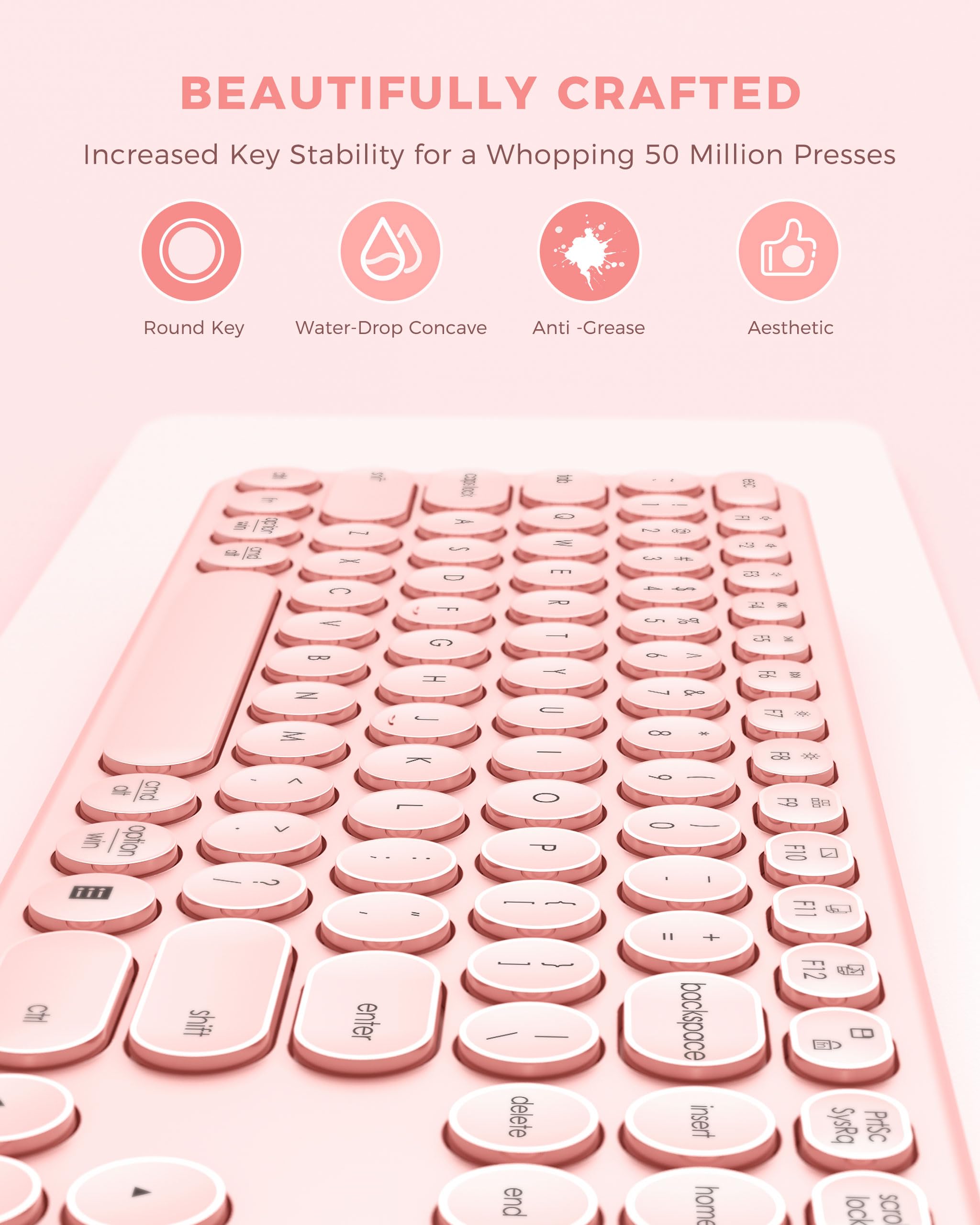
The vibrant pink color adds a pop of fun and liveliness to your desk, making staring at the keys a pleasure rather than a chore. The rounded keycaps provide a comfortable and precise typing experience, as well as up to 5 million presses. And the cute mouse also delivers quiet and smooth clicking.


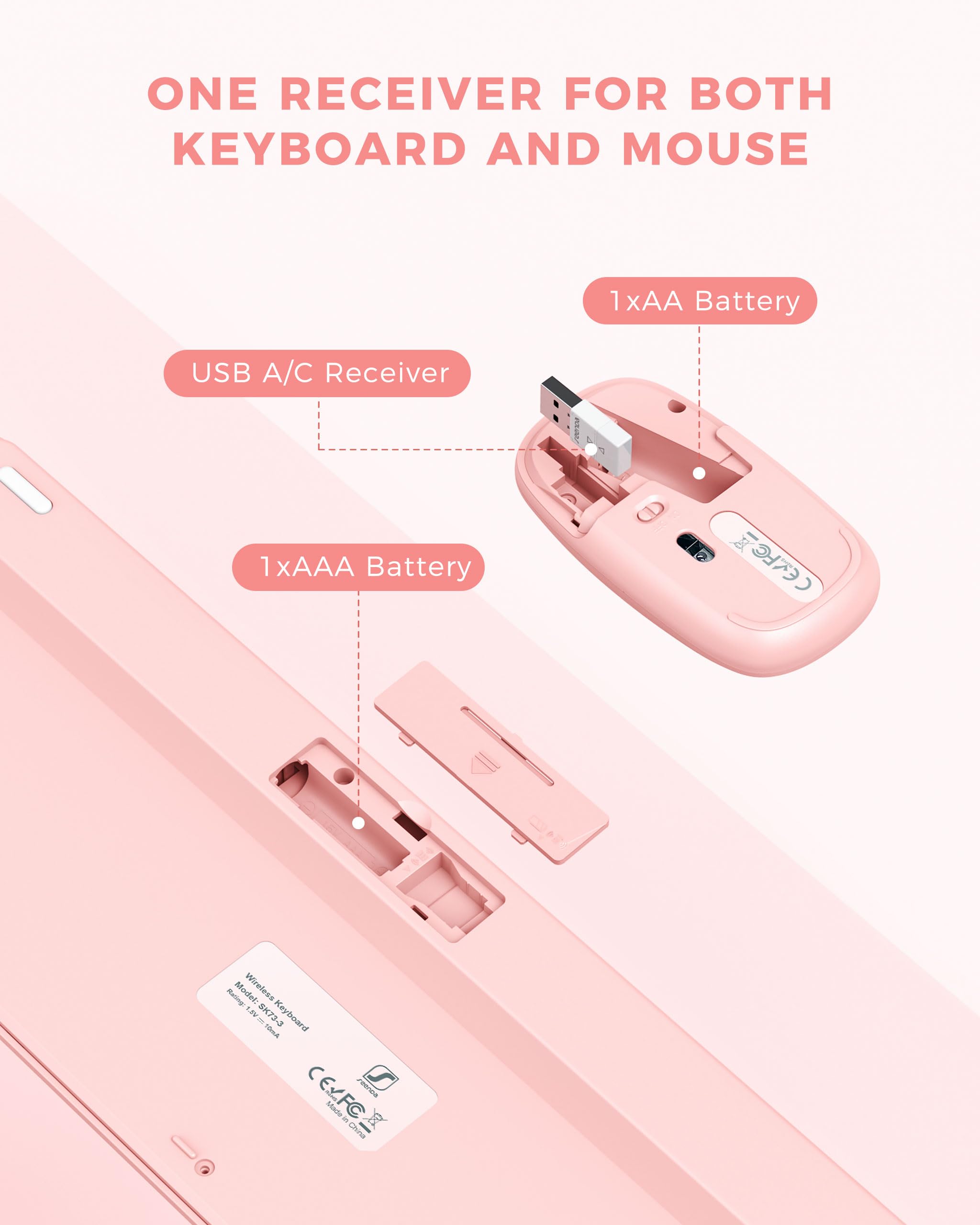
The keyboard uses one AAA battery and mouse uses one AA battery, with on/off and auto-sleep mode, this product can last up to 90 days standby time.

This keyboard and mouse are designed with ergonomic height and smooth curves, which helps to ease the strain on your wrists and the muscles in arm.

Both the keyboard and mouse have rubber pads on the bottom to help stabilize them on the table and to prevent scratching for extra durability.

The wireless keyboard comes with a silicone cover to enhance typing experience, also prevent accidental splashes of water, coffee, dust etc.