| Compatible Devices | Laptop, PC |
| Color Name | Black |
| Batteries Required | No |
| Brand | Razer(レイザー) |
| Manufacturer | Razer(レイザー) |
| Item Model Number | RZ20-04350100-R3M1 |
| Included Components | Razer Logo Sticker, Japanese Language Manual, Detachable Stand |
| Operating System | macOS 10.14, Windows 10 |
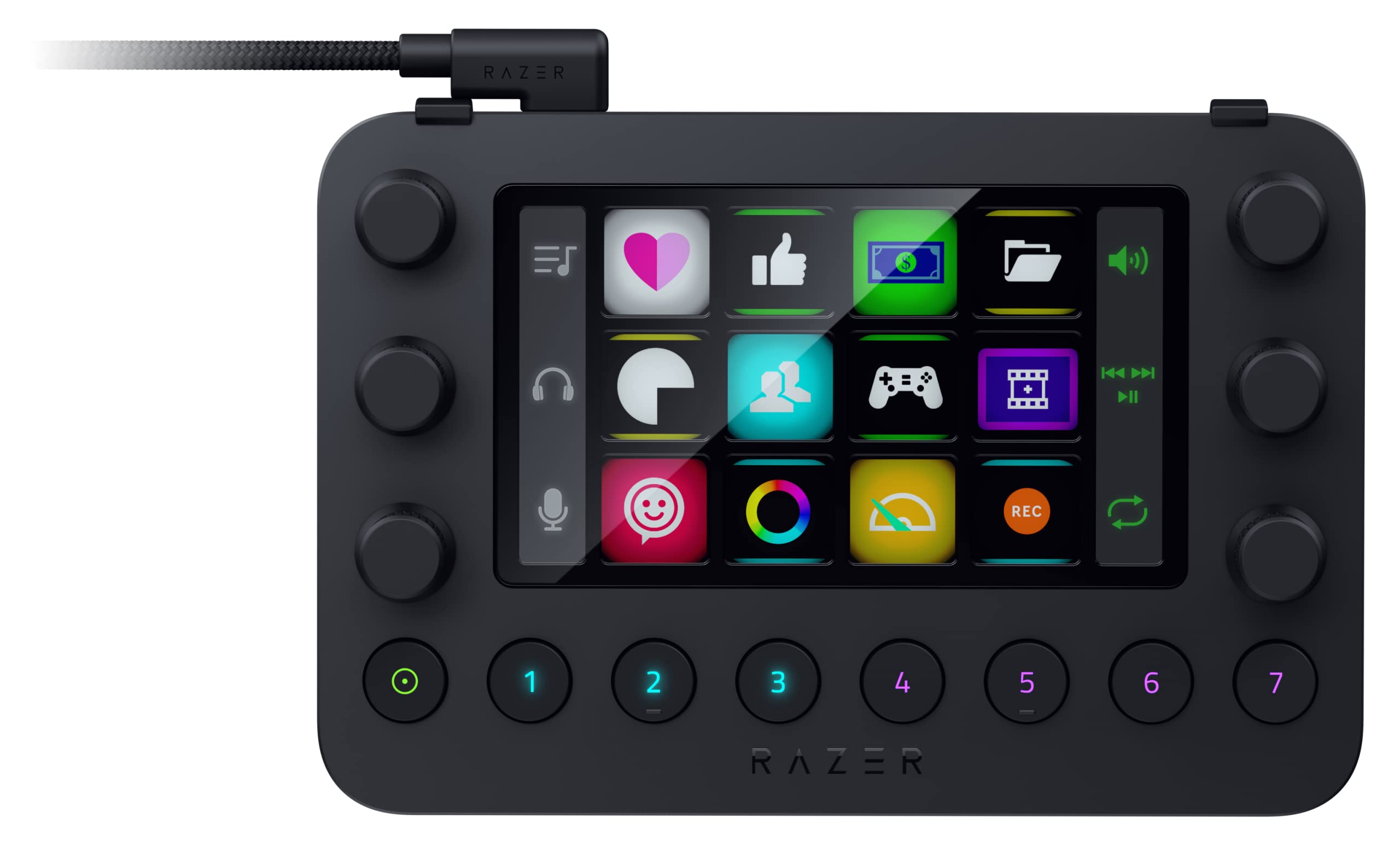
| Special Features | Loupedeck software easily supports major software and services, Detachable stand included, 7 programmable buttons, 12 tactile switchblade keys, 6 tactile analog dial |
| Connectivity Technology | USB-A |
| Product Dimensions | 15.1 x 10.15 x 3.06 cm; 214.5 g |
| Item Weight | 214.5 Grams |
Enhance your creativity with the Razer Stream Controller.
Quick and intuitive operation with customizable touchscreen, buttons and dials for full access to all features.
By creating frequently used shortcuts and macros, you can focus on attracting fans and increasing followers by easily multitasking.
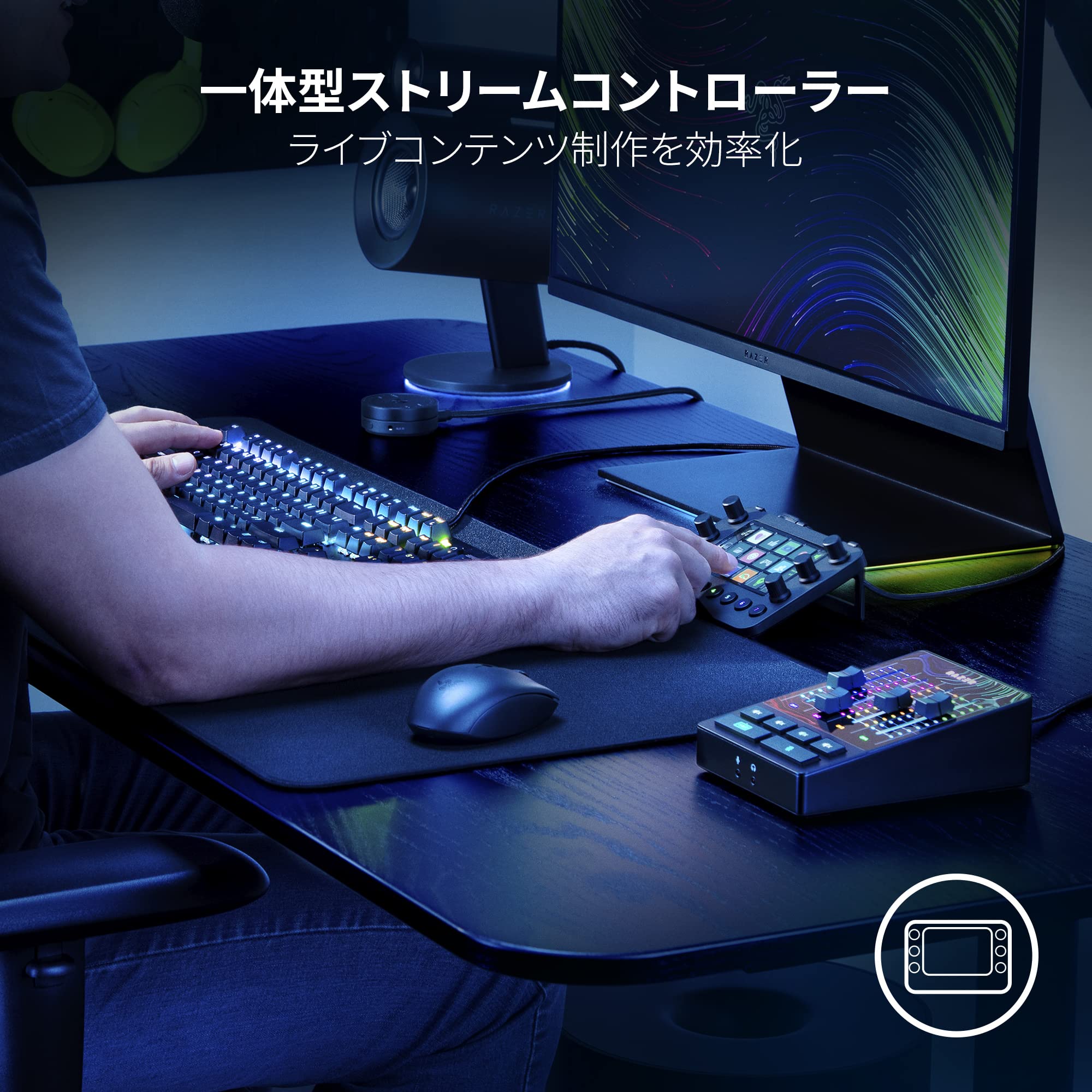
- Integrated stream controller
You can perform many functions such as live distribution, audio adjustment, content creation and more with a single button.
Multiple programmable shortcuts make it easy to manage delivery.
Shortcuts are displayed in a custom layout or icon, making them intuitive.
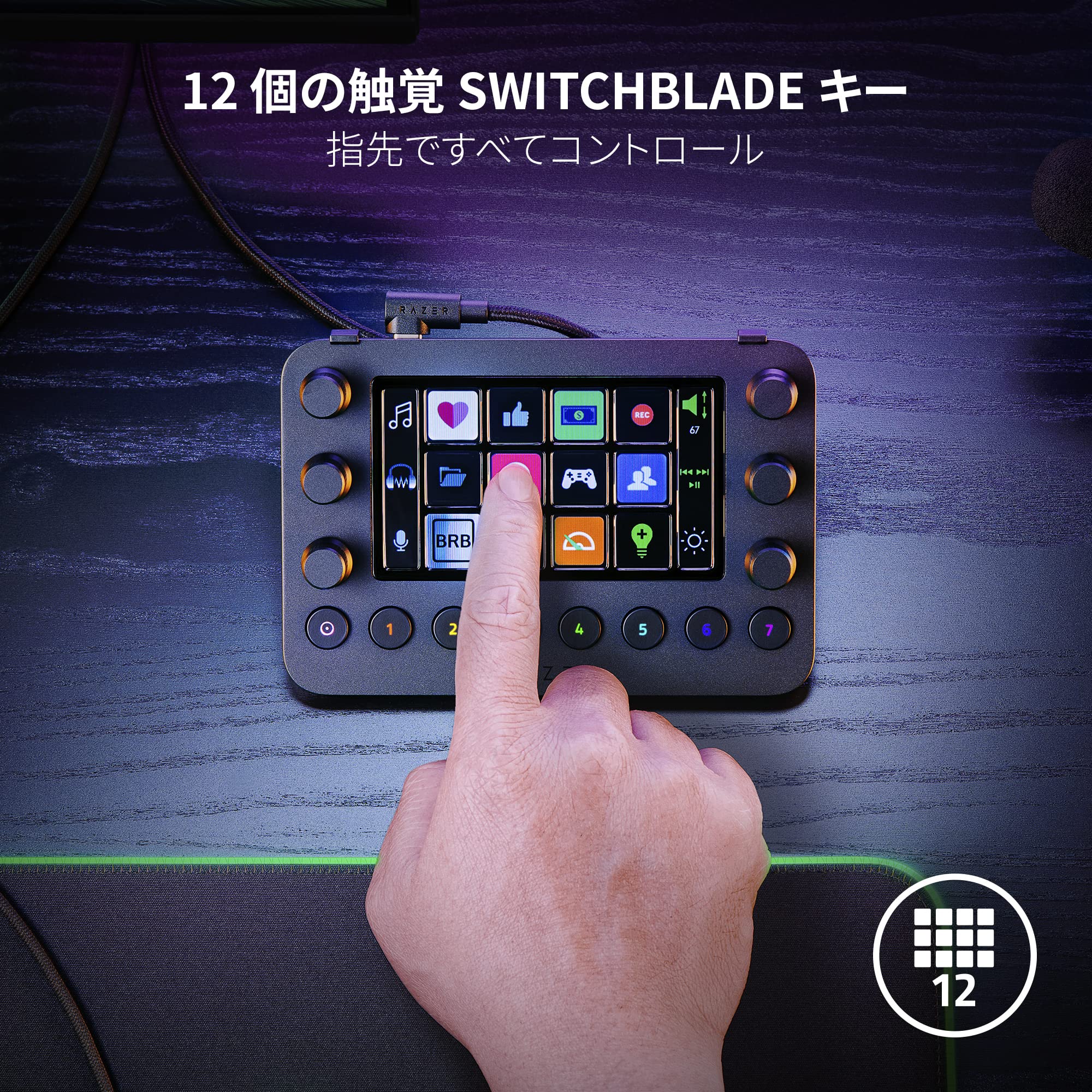
■ 12 tactile switchblade keys
12 tactile feedback keys,assign endless commands and macros.
Switchblade keys can be set up to a variety of software, services, or your favorite website, and access at a fingertips.
You can also customize the icons to your own preference.
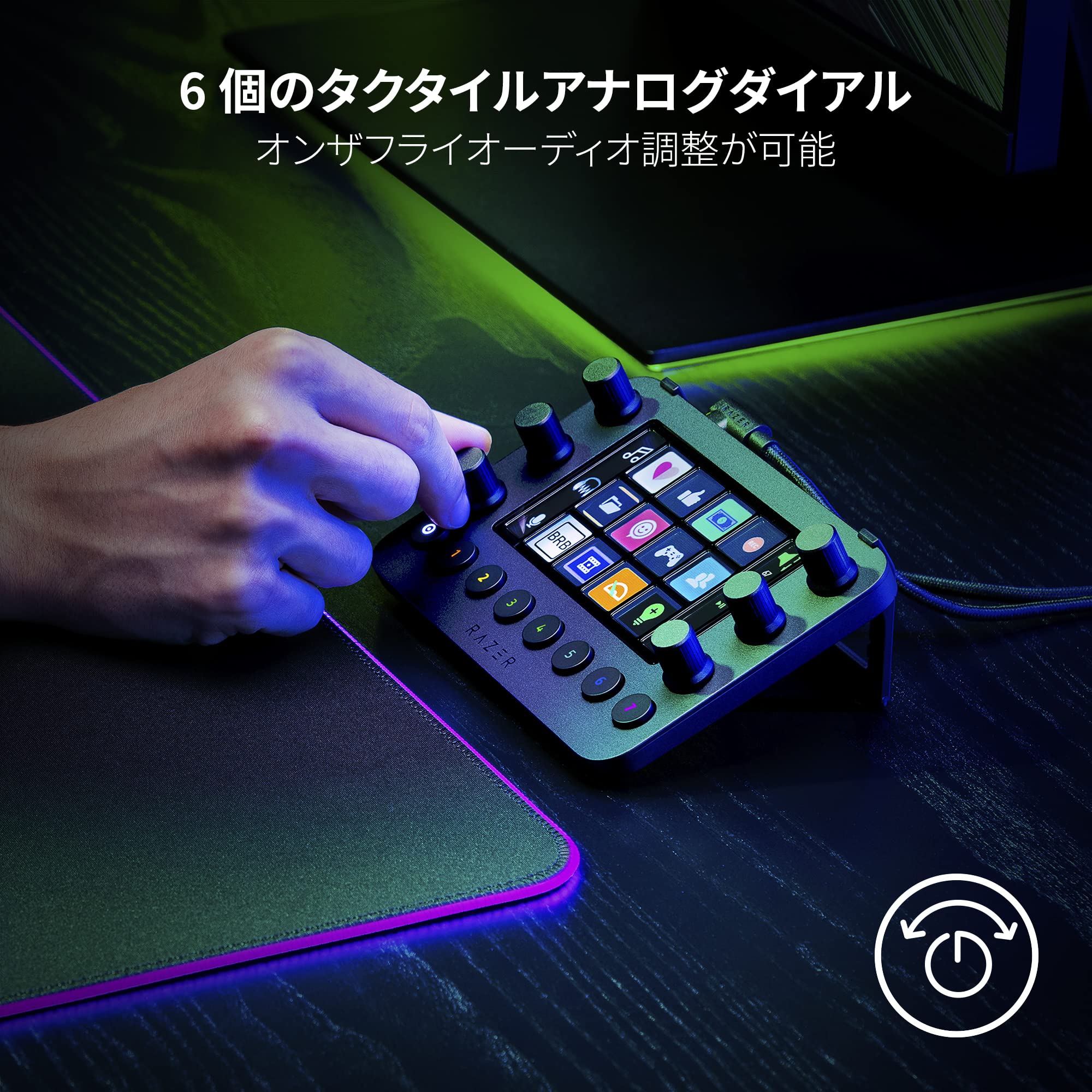
■ 6 Tactile Analog Dial
The LCD touch screen lets you see all the dialing information at a glance, so you can easily adjust the audio and media and other channel levels by turning the analog dial.
It also has a press function to press the dial, so you can press to reset values, change other settings and perform your favorite actions.
■ Programmable 7 buttons
7 workspace buttons (1-7) of 8 round buttons can be customized freely.
Instantly launch a variety of shortcut sets when switching between layouts, or quickly execute the most frequently used actions.
The first round button on the left side acts as a home button and allows you to easily return to your home workspace.
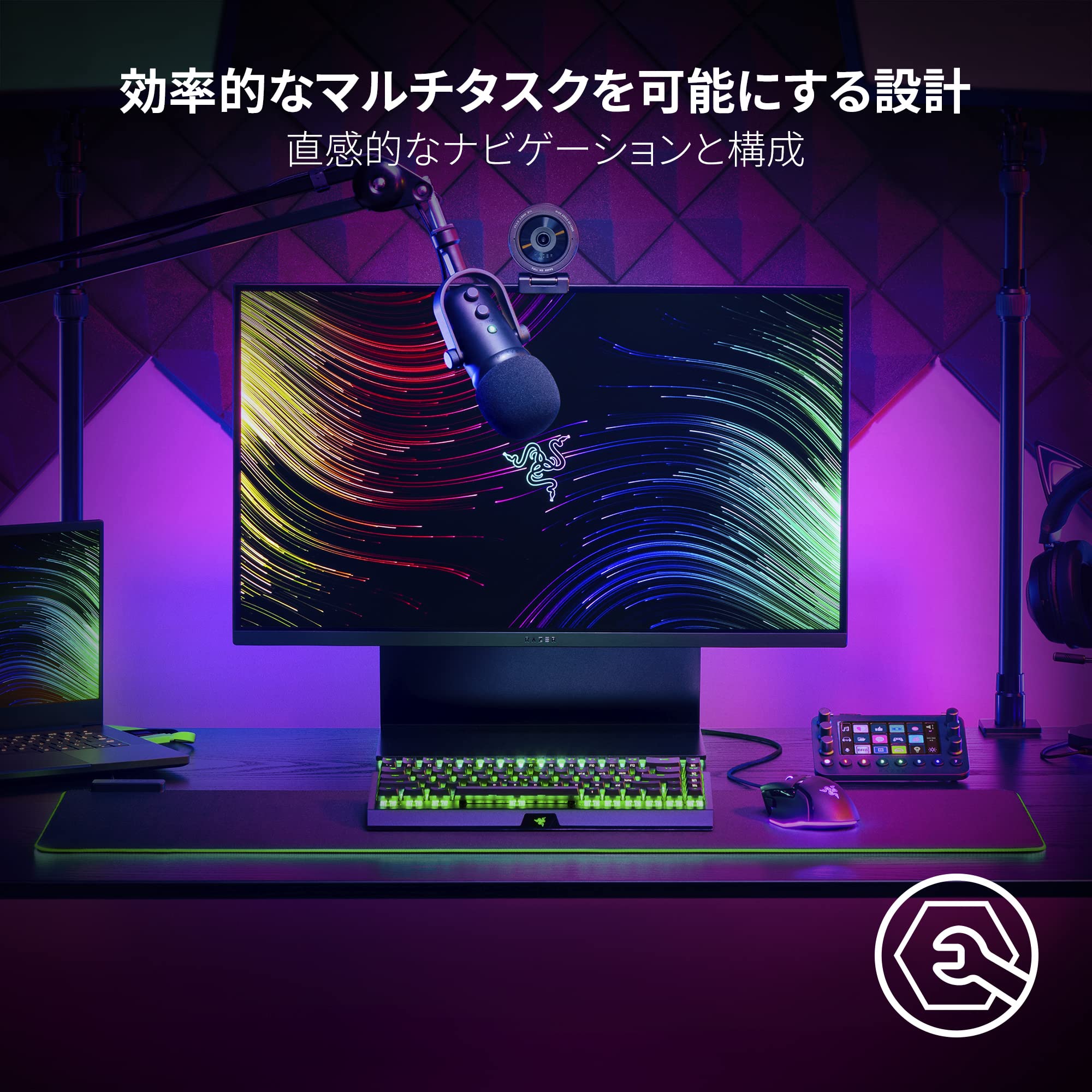
■ Designed for efficient multitasking
Group various commands into a dedicated layout and switch between LCD touch screens with your fingertips.
Once "Dynamic Mode" is enabled, it will automatically switch to its profile once the compatible software is activated, so you don't have to worry about changing the settings.
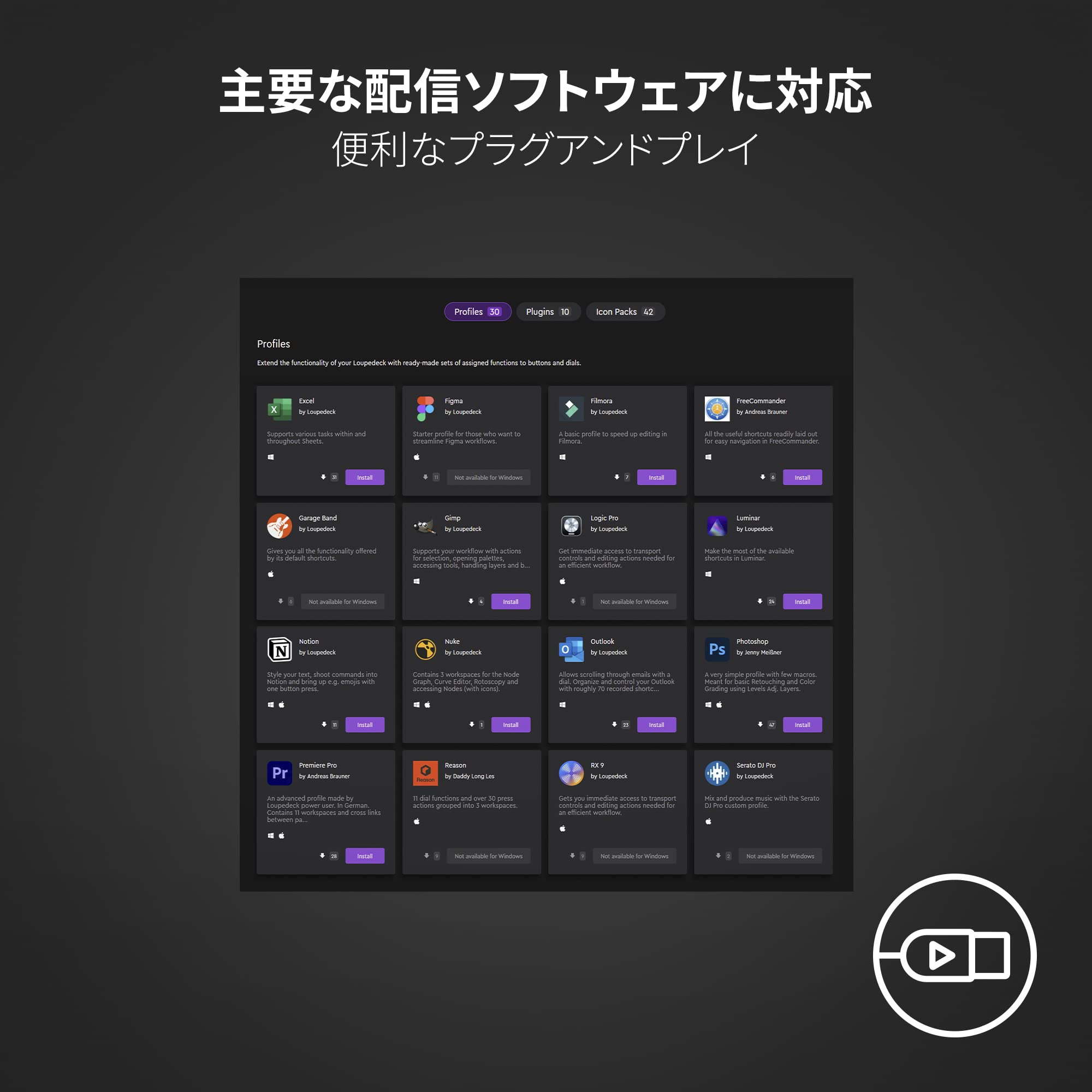
■Supports major delivery software
Set up instantly with your everyday profile, whether it's distribution, content creating, or work.
Download essential tool plug-ins such as Excel, Zoom, Photoshop, illustrator, Final Cut Pro, Twitch, OBS Studio, Spotify, Razer Chroma Keylight Plug-ins, Voicemod.
The options are endless.


System Requirements: macOS X 10.14 or later, Windows 10 64bit or later (Loupedeck Software 5.0) Size: 151 x 101.5 x 30.6mm Weight: 214.5g Interface: 12 LCD Touch Buttons, 2 Side LCD Screen, 6 Multifunction Dial, 8 Multifunction Button Connection Specifications: 1.9 Meters USB-A USB-C Cable Package includes: Razer Stream Controller / USB-A to USB-C Cable / Detachable Stand / Razer Logo Sticker / Japanese Language Manual

Enhance your creativity with the Razer Stream Controller.Customizable touchscreen, buttons, and dials allow quick and intuitive operation to access all features.By creating frequently used shortcuts and macros, you can focus on attracting fans and increasing followers by easily multitasking.

You can perform many functions like live distribution, scene switching, audio adjustment, and much more with a single button.Multiple programmable shortcuts make it easy to manage delivery.Shortcuts are displayed in a custom layout or icon, making them intuitive.

12 tactile feedback keys,assign endless commands and macros.You can set the Switchblade keys to a variety of software, services, or your favorite website, and access at a fingertips.You can also set the icon to your preference.

The LCD touch screen lets you see all the dialing information at a glance, so you can easily adjust the dials to your audio, media and other channel levels.It also has a press function to press the dial, so you can press to reset values, change other settings and perform your favorite actions.

7 workspace buttons (1-7) of 8 round buttons can be customized freely.Instantly launch a variety of shortcut sets when switching between layouts, or quickly execute the most frequently used actions.The first round button on the left side acts as a home button and allows you to easily return to your home workspace.

Group various commands into a dedicated layout and switch between LCD touch screens with your fingertips.When "Dynamic Mode" is enabled, it will automatically switch to the profile when the compatible software is activated.

Set up instantly with your everyday profile, whether it's distribution, content creating, or work.Download essential tool plug-ins such as Excel, Zoom, Photoshop, illustrator, Final Cut Pro, Twitch, OBS Studio, Spotify, Razer Chroma Keylight Plug-ins, Voicemod.The options are endless.